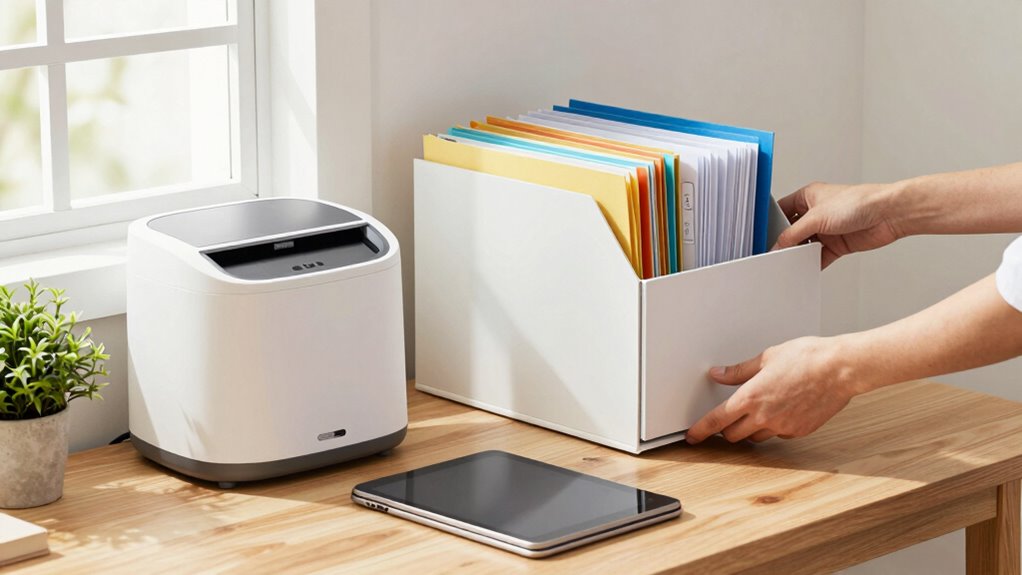

To reduce paper clutter in your caregiving household, create a dedicated digital folder called “Caregiving Documents” with subfolders for medical records, bills, and appointments. Scan or take photos of important papers, naming files clearly with dates and types, then save and organize them using tags or management apps. Secure sensitive data with encryption and back everything up to a cloud. Maintaining this system keeps your space tidy and guarantees quick access—keep going to discover more helpful tips.

Get health and wellness essentials delivered free with Prime
- Fast, free delivery on millions of items
- Prime Video, Amazon Music and more included
- Member-only deals all year
Key Takeaways
- Digitize all important documents using scanners or mobile apps to eliminate paper clutter.
- Create a structured digital folder system for easy access and organization.
- Regularly review and delete outdated or unnecessary papers to prevent accumulation.
- Use cloud storage and automatic backups to secure digital files and reduce physical storage needs.
- Implement consistent labeling and tagging for quick retrieval and simplified management.
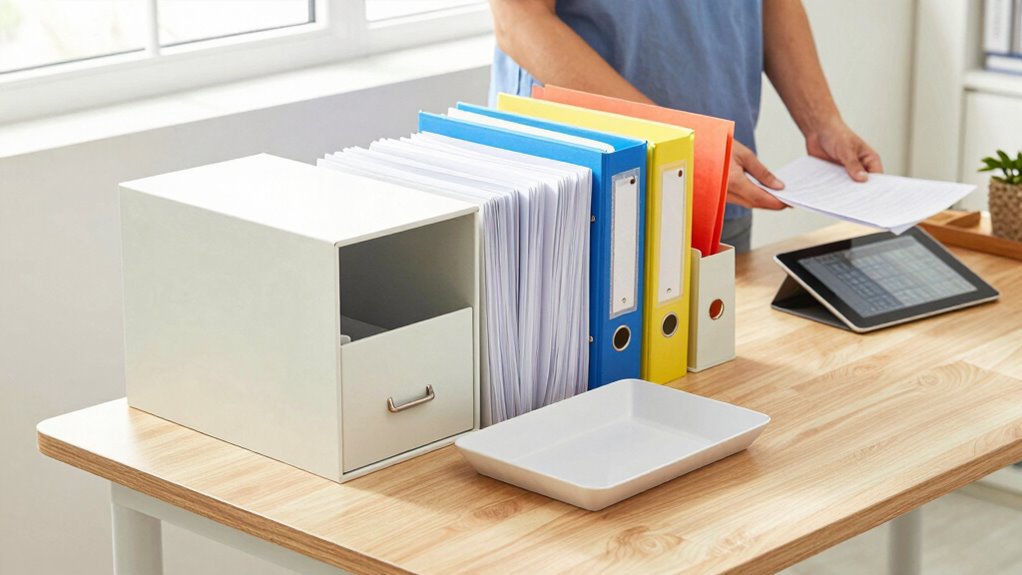
Living in a caregiving household often means managing a constant influx of paperwork—medical records, bills, prescriptions, and appointment reminders—that can quickly become overwhelming. To regain control, you need a system that simplifies how you handle these documents. Digital organization is your best ally here. Instead of stacking papers everywhere, start by creating a dedicated digital folder on your computer or cloud storage service. Name it something straightforward, like “Caregiving Documents,” and break it down into subfolders for medical records, bills, prescriptions, and appointments. This way, every document has a designated place, making retrieval quick and easy.
Create a dedicated digital folder with organized subfolders for quick, easy access to caregiving documents.
Document scanning is a vital step in reducing paper clutter. Use a scanner or a mobile scanning app to convert physical documents into digital files. When you scan, save each file with a clear, descriptive name, including the date and document type—for example, “2023-10-01_MedicalBill_CityHospital.” This practice ensures you can find what you need without rummaging through stacks of paper. Keep in mind that scanning also protects sensitive information; digital files are less likely to get lost or damaged and can be secured with passwords or encryption. Incorporating digital tools like document management apps can further enhance your organization by allowing you to tag and categorize files for easier access. Utilizing traditional principles of organization, such as consistent labeling and sorting, can also help maintain order in both digital and physical storage. Additionally, understanding digital security best practices can help you keep your sensitive information safe from unauthorized access.
To further streamline your process, utilize tools like document management apps that allow you to tag and categorize files, making future searches even faster. Setting up automatic backups guarantees that your digital records are safe from hardware failures or accidental deletions. Incorporating cloud storage options can also provide additional security and accessibility from multiple devices. Remember, the goal is to create a manageable, accessible archive that minimizes clutter and reduces stress. With digital organization and document scanning, you’ll free up space, reduce anxiety, and improve your overall caregiving efficiency. Over time, maintaining this system becomes second nature, making it easier to focus on what matters most: caring for your loved ones without being bogged down by paper chaos.
As an affiliate, we earn on qualifying purchases.
Frequently Asked Questions
How Often Should I Review and Purge Stored Paperwork?
You should review and purge stored paperwork at least once every six months to keep your paper organization effective. Regularly applying filing strategies helps you stay on top of important documents and prevents clutter from piling up. During these reviews, discard outdated or unnecessary papers, and guarantee essential documents are correctly filed. Consistent purging makes managing caregiving paperwork less overwhelming and keeps your household organized and efficient.
What Are the Best Digital Tools for Organizing Caregiving Documents?
Imagine a digital storage system so sophisticated, it feels like having a personal assistant for every document. For caregiving, apps like Evernote, Google Drive, and Dropbox excel at cloud organization, making your files accessible anywhere. These tools streamline document management, reduce clutter, and keep essential information at your fingertips. Embrace these digital marvels, and you’ll transform chaos into clarity, ensuring you’re always prepared for caregiving challenges.
How Can I Safely Dispose of Sensitive Medical Information?
To safely dispose of sensitive medical information, start with secure shredding. Use a cross-cut shredder to thoroughly destroy documents containing personal details, ensuring they can’t be reconstructed. After shredding, store any remaining copies securely in a locked, confidential storage space until you’re ready to dispose of them properly. This process protects your loved one’s privacy and complies with privacy laws, giving you peace of mind.
What Legal Documents Should I Keep Readily Accessible?
You should keep key legal documents like estate planning papers, including your will and trust, easily accessible. Also, hold copies of your power of attorney and healthcare directives nearby, as they’re essential during emergencies. Organize these documents in a secure, labeled folder or safe, ensuring they’re easy to find when needed. Regularly review and update them to reflect your current wishes and circumstances.
How Do I Involve Family Members in Managing Paperwork?
Involving family members is like assembling a team for a relay race. You can start by having open family communication, sharing the importance of managing paperwork together. Delegate responsibilities based on each person’s strengths, like sorting, filing, or digital scanning. Regularly check in to guarantee tasks are on track, and encourage everyone to contribute. This teamwork reduces your burden and keeps important documents organized and accessible.
cloud storage subscription for documents
As an affiliate, we earn on qualifying purchases.
As an affiliate, we earn on qualifying purchases.
Conclusion
Imagine your home as a peaceful garden, free of weeds and chaos. Clearing paper clutter is like tending to that garden—each sheet pulled away makes the space calmer and more inviting. As you let go of unnecessary papers, you create room for moments that truly matter, like shared smiles and gentle touches. A tidy, clutter-free home isn’t just organized; it’s a sanctuary where love and care can flourish effortlessly.
mobile scanning app for Android/iPhone
As an affiliate, we earn on qualifying purchases.
As an affiliate, we earn on qualifying purchases.
digital document management software
As an affiliate, we earn on qualifying purchases.
As an affiliate, we earn on qualifying purchases.
Cold & flu season Picks
humidifiers
As an affiliate, we earn on qualifying purchases.